PREVIEW
See It In Action
The real settings window — every macro on its own tab — plus a full video walkthrough.
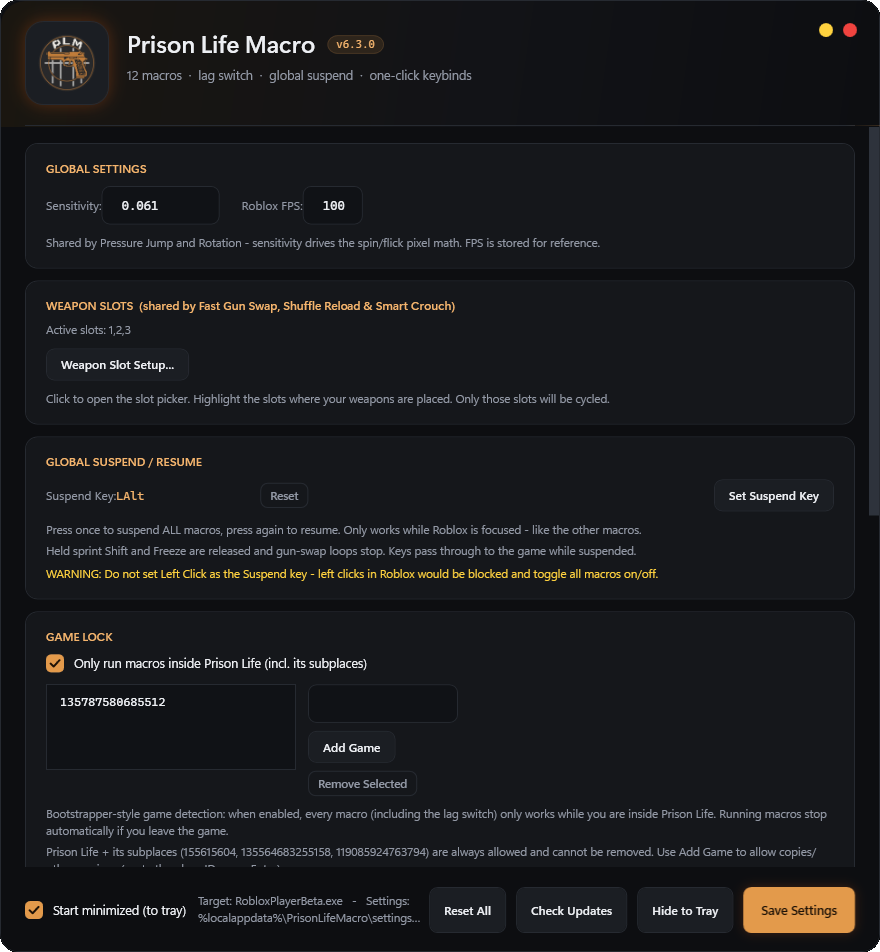 SETTINGS WINDOW
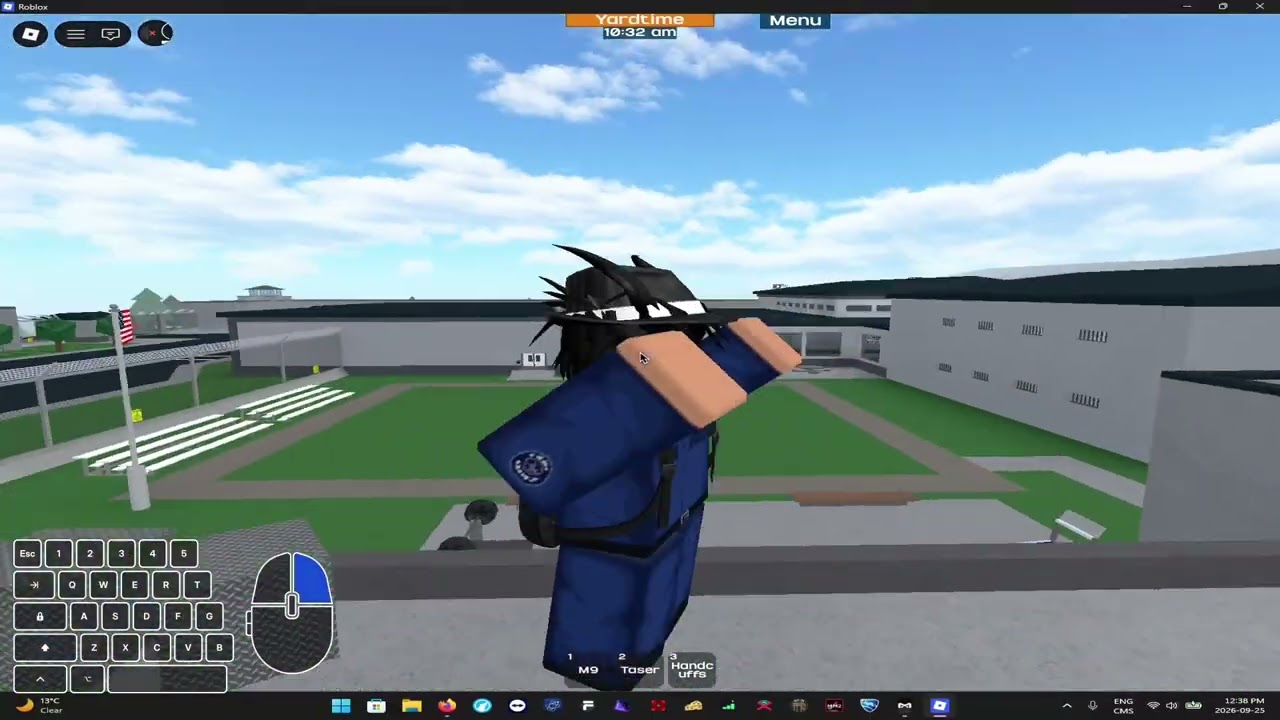 VIDEO TUTORIAL
ORBPLM is a native Windows app for Roblox Prison Life — pressure jump, freeze, rotation, spin, sprint, fast gun swap, shuffle reload, clip, floofy clip, lag switch, auto combo, and smart crouch, each with its own hotkey, tuned to your Roblox sensitivity.
Native C# / .NET Windows app — open-source, source included in the repo.
Every macro is bound to its own capture-key and can be switched on or off independently from the settings window.
Crouch under a table or bench ledge, then press the hotkey for a massive super jump straight out from under it.
Instantly suspends the Roblox process — the setup for glitches like fence clips. Toggle or Hold, your call.
Turns your camera 180° and flicks it back where it started 19 ms later — the setup for crouch-clip variants like cell clips.
Keeps your camera spinning non-stop — what makes Das jumps and pressure flings possible. Toggle or Hold.
Three modes: Default (vanilla sprint), Toggle Sprint (tap Shift once to sprint, again to walk), Always Sprint (permanently sprinting — crouching never breaks it).
Spam-fires all your guns as fast as the game allows — swaps and shoots through every slot in a burst that shreds players in seconds.
Reloads every one of your guns almost instantly, all in a flash.
Crouches your character, then freezes the game — push into a thin wall and you clip straight through it.
Uncrouches your character, then freezes the game — a clean floofy clip every time.
Disrupts your connection on demand so the game sees you as lagging — keeps doors open much longer, for example.
Runs a clean shotgun → rifle combo for you with tuned timing — set your two slots, arm it, trigger it.
Every time you crouch, all your guns get reloaded automatically.
The real settings window — every macro on its own tab — plus a full video walkthrough.
SETTINGS WINDOW
VIDEO TUTORIAL
Four steps between the download and your first hotkey.
Run PrisonLifeMacro-Setup.exe from above, pick your desktop / Start menu shortcuts and click Install. It goes to Program Files (x86)\PrisonLifeMacro and from then on updates itself: when a new version is out, the app asks and installs it in one click.
Enter your in-game Roblox Sensitivity once — Rotation and Spin compute their camera moves from this shared value.
Click a macro's capture field, then press any key or mouse button to bind it. Enable the ones you want live.
Hotkeys only fire while RobloxPlayerBeta.exe is the focused window — switch away and they go quiet automatically.
Prefer a walkthrough? Watch the video tutorial and follow along.
One installer, twelve macros, automatic updates.